AGENTS.md and Agent Skills are welcome tools, but leave questions unanswered
I know, I know, you have a ChatGPT subscription, you occasionally use 4 other models across 11 chat windows, it all works fine so why should you care about a weird new file format?
Well, first of all, if the above sounds about true for you, you will be amazed at how much more efficient you will get when using command line AI... agents. Yes, agents. Yes, command line. No, you don't need to be a developer.
Bear with me, please:
Prequel: what "agentic" currently offers for the non-coding user (i.e. probably you)
Current AI tools like Claude Code or Gemini CLI have not only made huge advancements in task planning and execution; they've also left the era of chat windows, copy/paste, and amnesia behind and now remember their purpose and your project context, while creating, updating and persisting information in human-readable files.
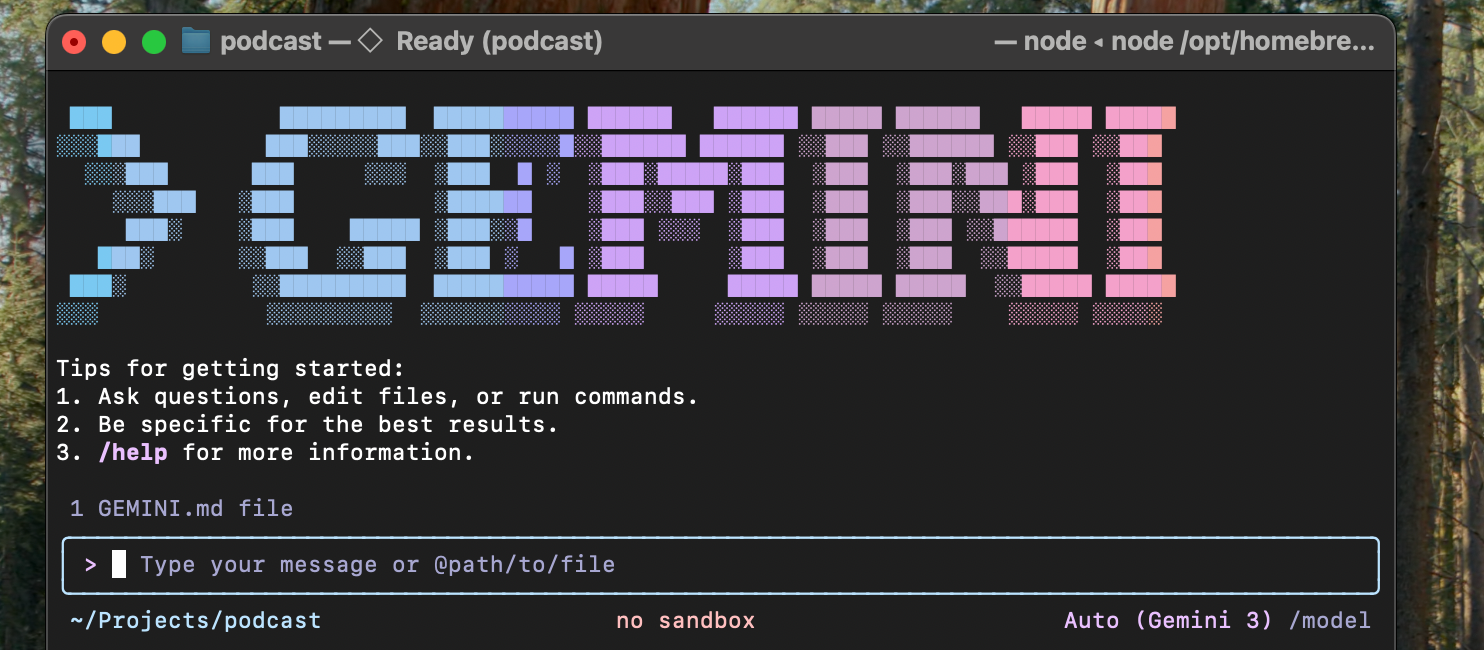
You can basically organize your work by projects and tasks, the agents will scan the directory, remember exactly what they are supposed to do and where you were at the last time, and when performing whatever task you give them, suggest actions, edits, or file manipulations. All of that on your machine - while the processing of the requests is still transiently handled by a model in the cloud, all of your files and data remains persist purely locally under your control.
Let's say I want to create a series of articles on a topic with the help of the agent. It roughly works like this:
- Create a new directory for the project, e.g. "gardening-blog/". Enter the directory, and start the agent by typing "claude" or "gemini" (or whatever). Tadaa, you will be greeted by your AI. With colors and all.
- Tell your AI you need its help creating a configuration for an agent. Describe what you want to do, like: "I want to write a series of blog posts about gardening in mediterranean Europe, targeted at a 50+ audience that wants to make the most out of smaller or unusual garden spaces". It will ask you a few questions, and then create a set of instructions that will serve as the prompt. It will ask you to save this configuration.
- You've now created your first agent. It will probably suggest a course of action. Now, you can move on to give it your ideas, let it do research, and put the results into files. It will probably suggest a folder structure, formats, etc.
- Crucially, you can /quit the process any time, and once you fire up your agent again, it will continue where you left off.
OK, but now what about AGENTS.md?
Please shortly recall the configuration created in the process above. I mentioned it would serve as the prompt.
Indeed, this configuration provides all of the context, behavior patterns, style guides, processes, tools, and so on your AI needs to know about when performing the tasks for your project. This is called the agent configuration.
As you might expect, different AI implementations had historically come up with slightly different formats and names for this agent configuration. Luckily, in 2025 some agreement was made and domains were bought and friendly posts were exchanged on X to converge towards interoperability and a common name and format - AGENT.md - no, AGENTS.md (it's a nice story, look it up!) was born.
The key thing to know is that the file uses Markdown (you will probably only use headlines or bullets anyway) and there are a few typical sections the agents have learned to recognize. Other than that, it has the same eeriness as standard prompts, being natural language and all that.
What works well are sections like Project purpose, Tone and style, Tools and processes workflows, Output formats, Best practices. The best thing is, the AI will interactively create this file for you if you ask it.
Here is an excerpt from a content creation related AGENTS.md:
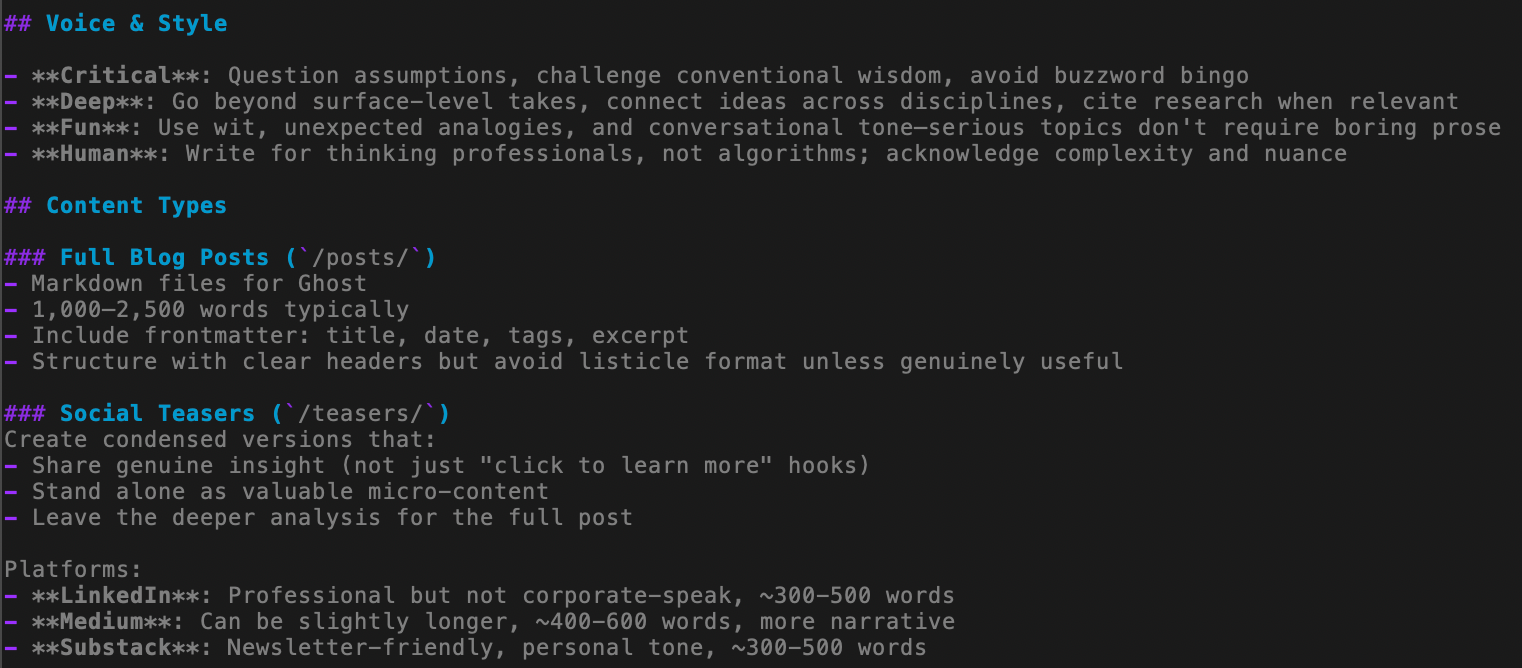
That means, if you know how to create an agent configuration for e.g. Claude, you at least roughly know how to do it for Gemini - you may even have luck using the same one for both!?
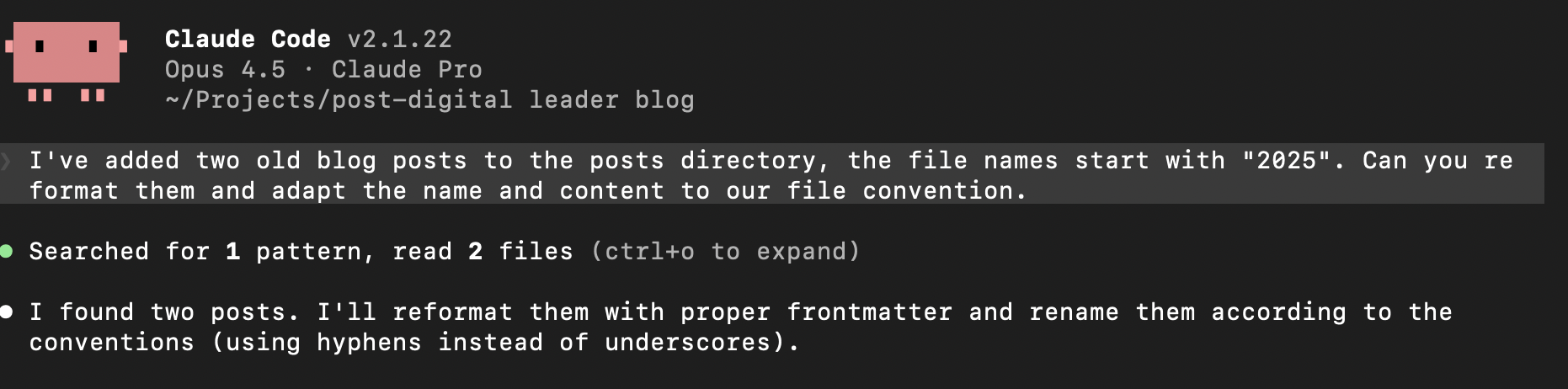
Well, there's still a bit of dust to settle. On the one hand, while e.g. Codex actually supports the AGENTS.md file name, you'll still have to tell Claude Code and Gemini to look for it because by default they expect CLAUDE.md and GEMINI.md, even though they support the format (you need to point them to AGENTS.md). Then, there are slightly different conventions and practices that stem from the respective architecture of the AI and the way it processes instructions - so you will need to check specifics on what files will be processed in what order and which instructions will have precedence over others. This brings us to the next topic.
Do I have one AGENTS.md for everything?
These days, when you are talking about the operational limits of AI there are 2 things you are looking at. One is token usage (very much related to your $$$$) and context. Every model has a context limit, and at some point it may lose focus or context will be depleted and it will remove things from its memory to proceed [1].
Enter the subagent. To avoid one agent thinking of too many things at the same time and running into context issues, it's best to create specialized agents on a task level (tasks have shown to work much better than roles). For example, if you are working on a complex topic in your main agent, it can be really helpful to have a separate agent with a completely free and fresh context/memory to do a large scale web search, as this will not pollute the context window of your main agent with all of the search result contents.
Your AI will help you create a subagent. In Claude Code, you can type /agents to start the process. Another benefit of the subagent is that you could use a different model (a cheaper one, etc.) or apply different permissions or other constraints.
[1] isn't it cool that the command line versions of your agents usually show you how much of their context is still free?
Keeping it concise and clean: skills & progressive disclosure
While you can of course put a lot of information into an AGENTS.md file, you've already understood that this may put too much information into the context.
As a remedy, it can make sense to split the instructions by topic and provide them in separate files. You then write an AGENTS.md that mainly instructs the agent to do a search across the project folders to find instructions that fit the task given by the user.
This way, you're giving the agent the information it needs as it progresses along a certain path of action - a pattern that's called "progressive disclosure".
A lot of current AI frameworks already support a standardized way to create instructions around skills, i.e. capabilities, domain expertise, workflows, or interoperability. These skills themselves are again structured for progressive disclosure, by offering fields for metadata (~100 tokens), instructions (5000 tokens max), and then the full resources. Remember that when you are using your agent on the command line, it will be able to execute program code - so you can create and load skills that can do quite complex work.
Does this sound like a knowledge management problem to you?
It certainly does to me. A real life repository (project directory) can have a baseline definition and then a larger number of nested additions covering more specialized context information, procedures, skills, or subagents. All of which are described in natural language, and located in files somewhere in the directory structure (and are processed according to the specifics of the agent implementation).
With a larger number of projects, the promise of being able to easily re-use parts of the configuration quickly ends in a maze of navigating unstructured data. Without versioning, minor changes that happen to make a difference in performance may go unnoticed. Or you accidentally overwrite something that worked really well. Lacking an automated mechanism to check against newer versions of pre-defined skills copied from an online repository makes it hard to benefit from new developments. Existing definitions need to be validated for new models. Finding that actual piece of instruction you want to change may actually be hard.
Building filing systems for AI filing systems... using AI?
Unless... unless you use a tool that was made to work with unstructured data. Yes, LLMs. The agents themselves. Now you're full circle, using the agent to help you create the skills, and using the agent to map out and manage the skills, and implement version control.
While this seems like a feasible method for single user deployments and contributes nicely to your token usage (to the AI vendors' benefit), I don't think we're quite there yet. Public skill libraries are often GitHub lists of lists with a certain 80s vibe (now that I think of it, that does fit the whole terminal retro vibe), while the Claude manual for deploying skills at enterprise scale simply recommends to "Maintain an internal registry for each Skill". But, how? Oh. Maybe build one. With AI.
Just this morning, an email popped in. It was titled something with agent skills, so my hopes were high, but see for yourself:
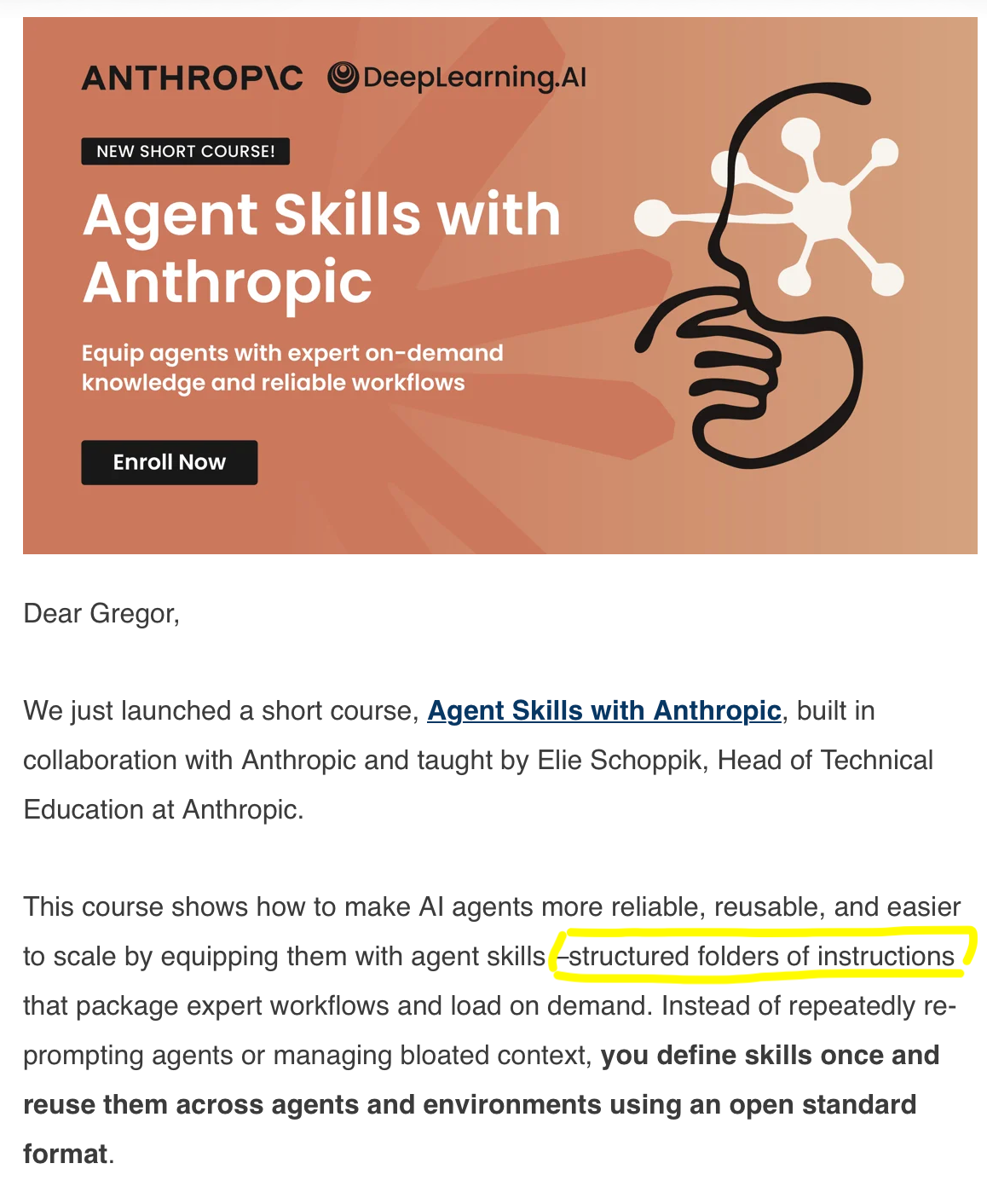
As with other knowledge management challenges, I'm quite curious to see where we will be heading to solve this one.
A new paradox of knowledge representation
Maybe this is another case where we are facing what I'd like to call the paradox of knowledge representation:
Initially, humans were good at unstructured data, and computers much preferred structured representations. While computers could maybe find individual terms using a carefully built and balanced inverted index if they were all spelt correctly and no one messed up the character encoding, they were seemingly incapable of making any sense of a sentence (despite the efforts of Computational Linguists of this world, including yours truly).
All the while, humans could scan over documents at remarkable speeds and grasp the context with ease. We thus invented strict data types, normalization and SQL, and it's what enabled the first digital revolution - and despite all my love for quirky (and non-quirky) NoSQL and multimodal databases, we all have to acknowledge that, for many decades, our digital world was founded on relational data.
But suddenly, computers are good at unstructured, and at such scale that humans are now aching for a structured representation. We can make no sense of many-dimensional vector clusters representing chunks of text; and the amounts being processed are too much and far fetched for us to skim over, even more with machines flooding us with ever more verbose, auto-generated text. As a consequence, see what's happening across user-contributed media: people excitedly using LLMs to compile volumes of largely unverified information into the one, big, magical spreadsheet that they pray will help us understand.
I think it won't.
We've opened Pandoras Box and the machine we built to help us tame what's there thanked us by creating so much more that we are hitting the next limit of understanding.
It almost makes me feel like we were all wrong claiming that ontologies and the semantic web were made for machines - it may actually be the case that it's much more important for us humans, because we can deal better with concise abstractions that somehow fit into our own tiny biological context windows. But, that topic may actually be worth a separate blog post.
Resources
There is a growing number of resources out there with people sharing successful agent configurations and skills. Examples:


In case you're new to Claude Code or Gemini CLI, there are plenty of tutorials out there to get started. Please also try out other AIs. I am not affiliated with either and used them just as an example.
For Gemini CLI, there is a pretty big free tier that you can use with a free Google account. You will need node.js - get it here (you want "prebuilt") and then follow the Gemini instructions. I initially ran into an "Error 400" message in one of my first sessions. Apparently, this is something Google is working on. Quitting and opening a new session (it remembers the context, so nothing was lost) solved the issue.
Claude will require a paid subscription or API tokens for Claude Code to work. Here's a random video I liked that walks you through your first terminal based agents.